
Theodoor for Doorbotics
A portable opener that makes an ordinary swing door automatic. I designed the app for a pre-MVP build — for people whose hands can't open the door in the first place.
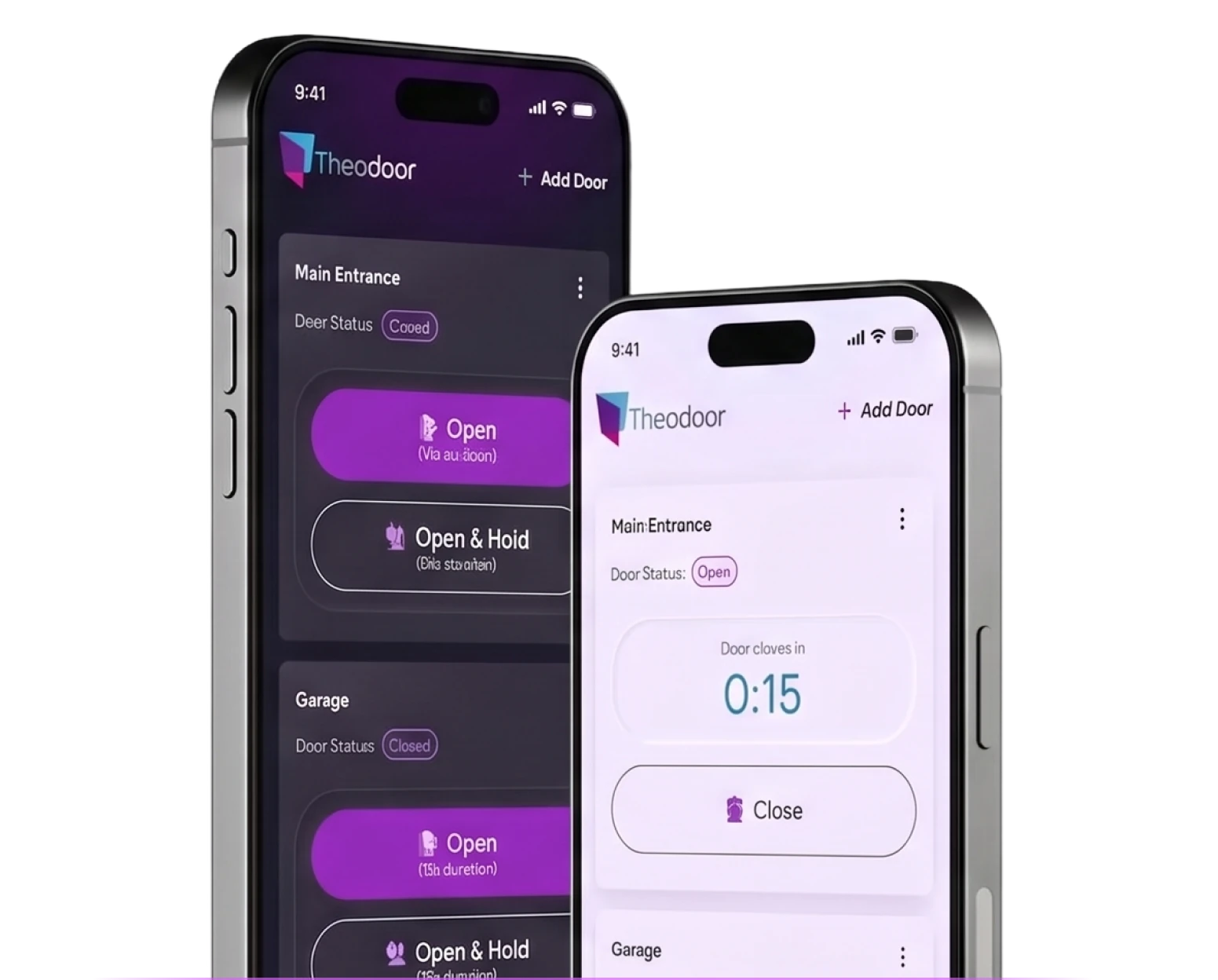
The Hands That Can't Open the Door Also Hold the Phone
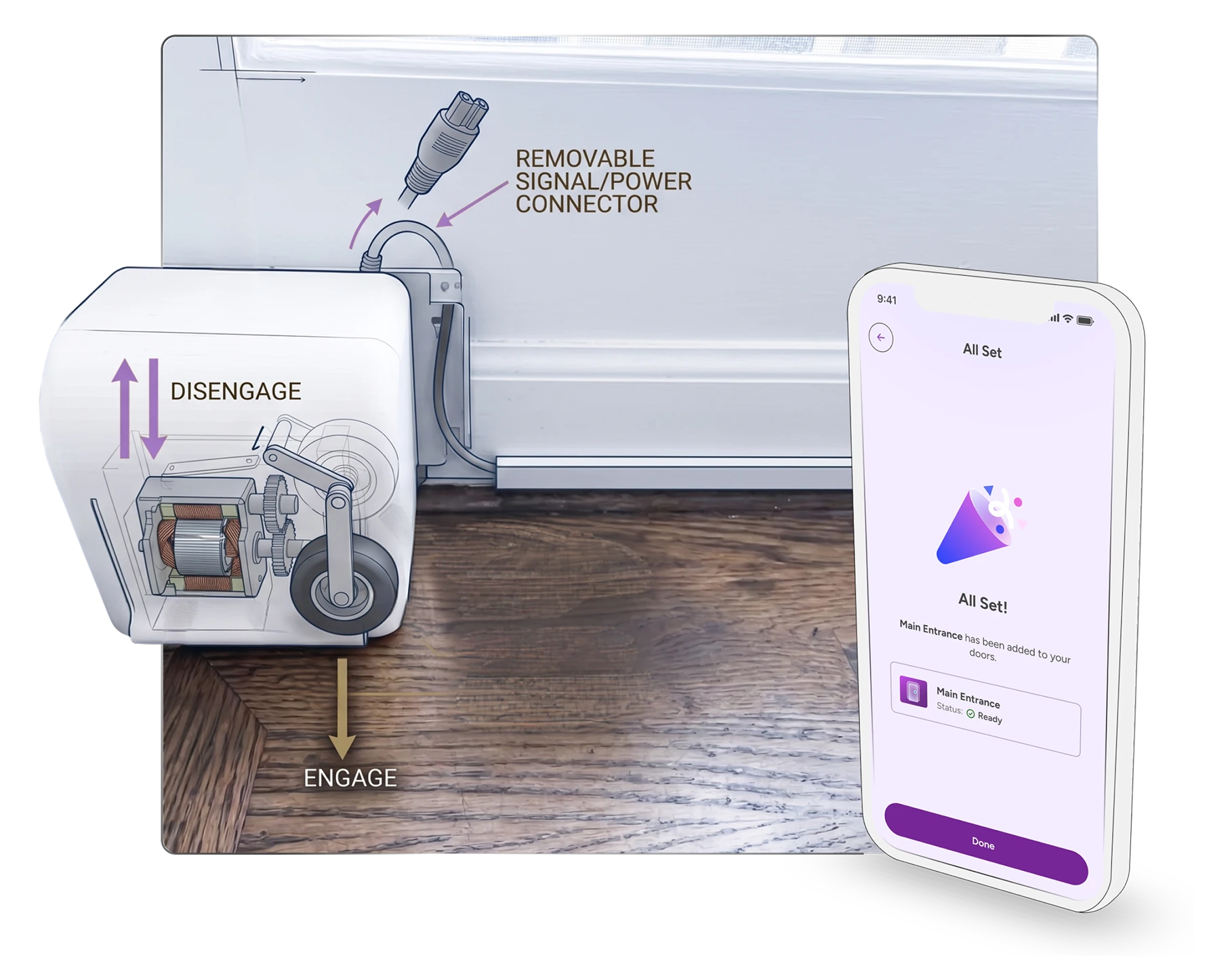
Theodoor makes an existing swing door automatic without drilling, rewiring or modifying the home. Its users are people for whom a door is a daily obstacle: wheelchair users, people recovering from a stroke, and people living with arthritis, MS, cerebral palsy or ALS.
That sets the constraint the interface has to meet. Reaching a door is one problem; gripping and holding is another. The same reduced strength and unsteady hands that make a door hard to open make a phone screen hard to operate, and the app had to work for exactly those hands.
The engagement was short and the goal was a pre-MVP build: a prototype finished enough to be tested and validated internally, and clear enough for a development team to work from. No hardware existed on my side, and several product decisions were still being made while the screens were being drawn.
 My Role

 Collaboration
Designing for a Door You Can't See From the Screen
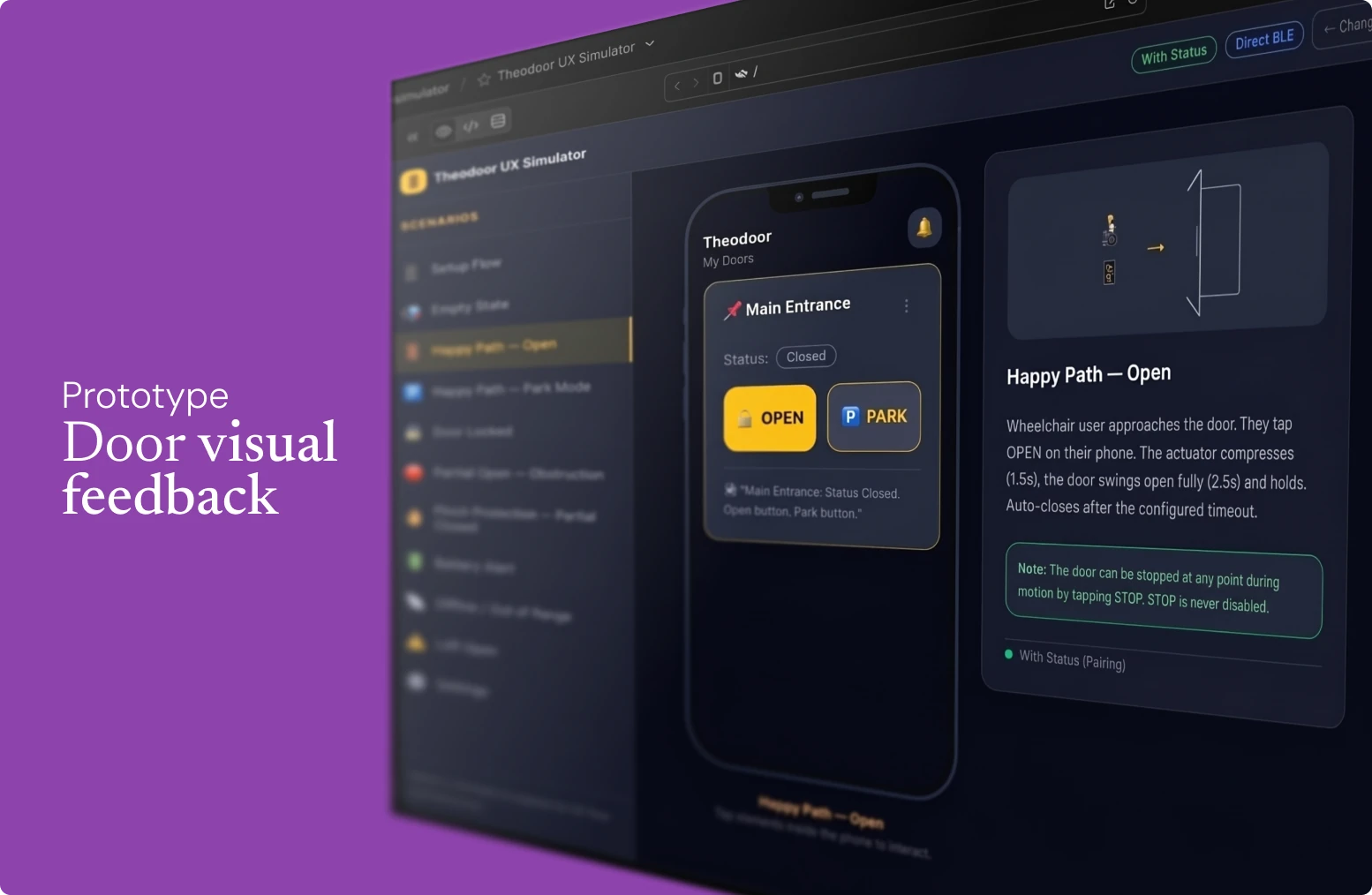
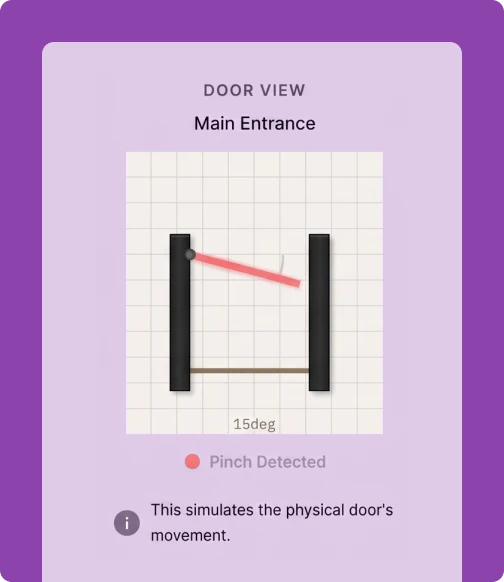
Problem: In a review, the team is arguing about what a button should say and what the screen should show while the door opens — with no door. Four people reasoning about a physical object none of us could watch. That risks two failures at once: settling on behavior that wouldn't survive contact with the real hardware, or over-building the interface to compensate for a door nobody could see.
Proposal: I built the door into the prototype — a skeuomorphic door that opened on the same timing the real one would, so the door was present in every conversation. Designer, PM, QA and client could watch the same thing happen and argue about what they saw rather than about what they imagined.
Argument: It made the team faster and more certain, and it returned something we hadn't planned for: watching the simulated door made it obvious that for someone who can see the door, the door opening is the confirmation. The interface only has to carry what the room doesn't.
Making a Door Fail, Safely, Before It Existed
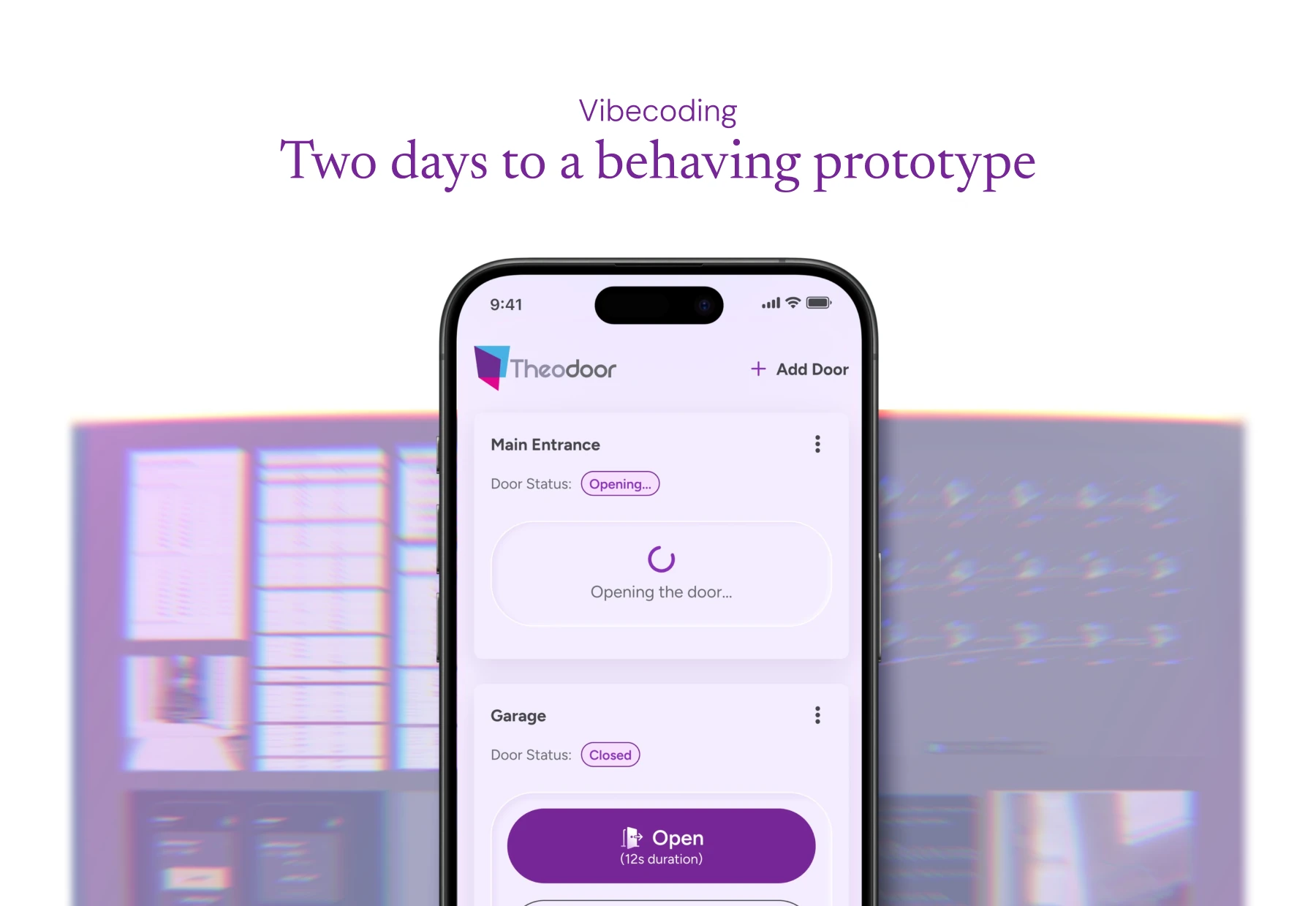
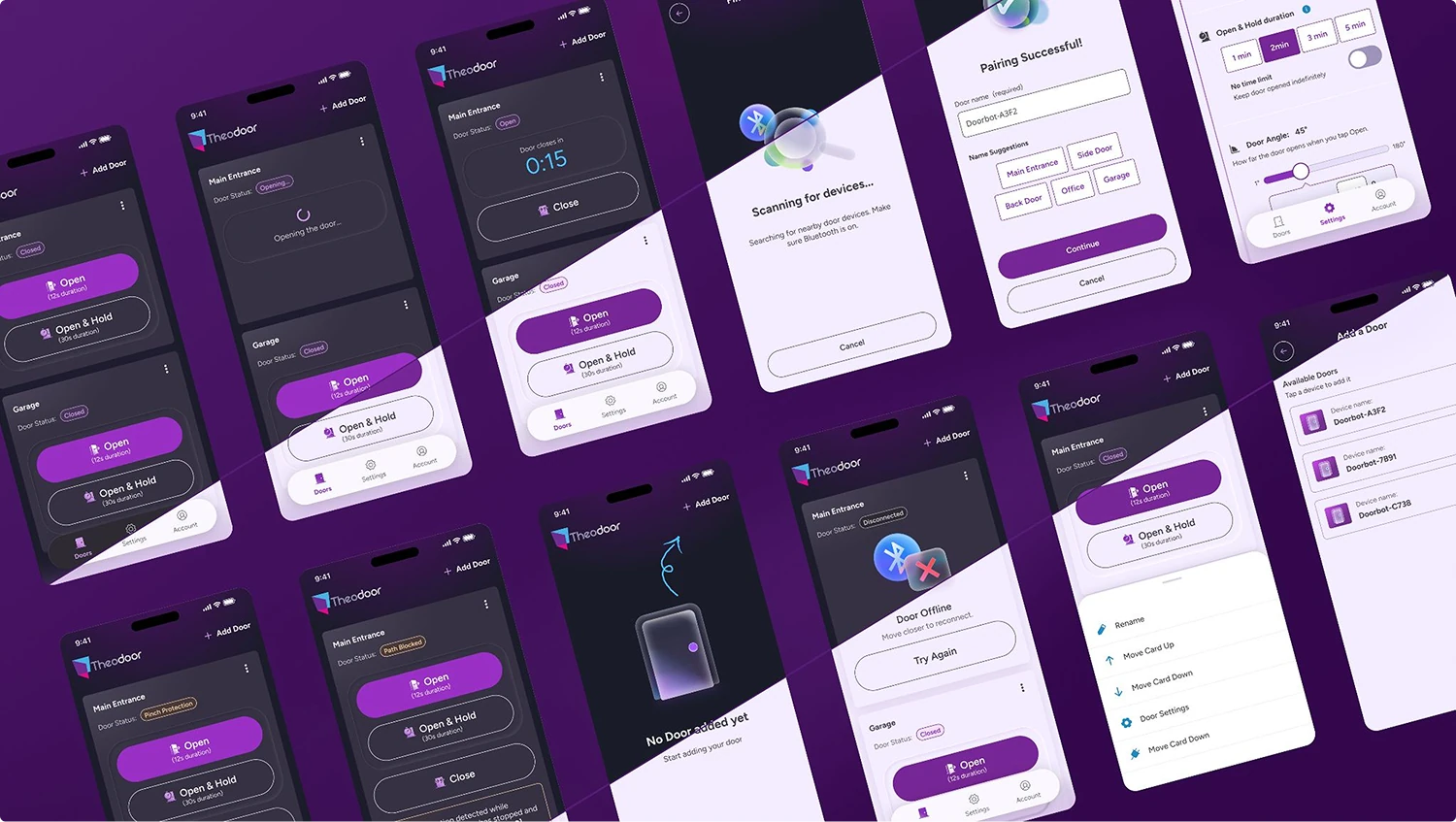
Doorbotics brought the scenarios: what should happen when the door meets an obstacle, when it can't complete its path, when the connection drops. Static screens couldn't settle any of them. So I built a prototype simulator that played the system's behavior over time — timing, transitions and failure, not just screens — and turned it into a Figma blueprint for handoff.

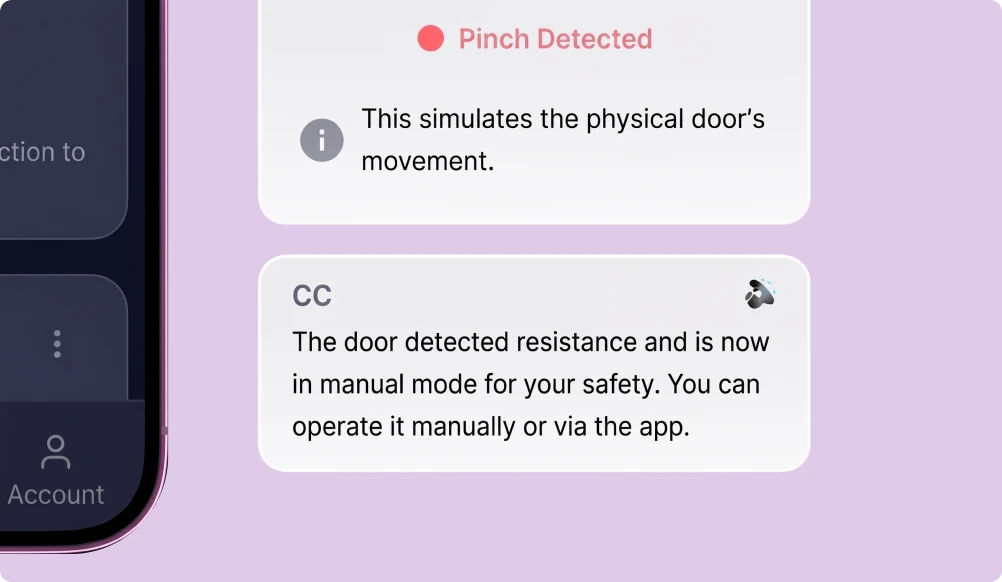
Obstruction and pinch protection
ScenarioThe door meets a body or an object mid-movement and the hardware stops.
What it had to settleWhether the interface reads the stop as the safety system working or as a failure.
BecameDistinct states for a protective stop and a genuine error, with different recovery paths.

Path blocked and partial open
ScenarioThe door starts to open and cannot complete the movement.
What it had to settleWhat the app shows when the physical outcome is partial rather than success or failure.
BecameAn in-between state with a visible next action instead of an ambiguous spinner.

Offline and out of range
ScenarioThe phone loses the Bluetooth connection while the user is in front of the door.
What it had to settleWhat the app can honestly claim about a door it can no longer reach.
BecameConnection state separated from door state, so the app stops reporting on what it can't see.


There was no hardware to try any of it on. Simulating behavior is how a physical product gets discussed before it can be touched.
A Pre-MVP the Team Could Build From
The prototype was delivered as planned, and the development team is building the pre-MVP from it. One interface direction now holds what had been several competing ideas on the client side, within the technical constraints of a short build.
- Door, connection and error states mapped into one behavioral model
- Feedback designed to work without the screen, not only on it
- Edge cases played out in a simulator and translated into a Figma blueprint for handoff
- Motion refined into Lottie output, with reusable UI foundations for setup, errors and recovery

A Designer's Takeaway
When an interface controls something physical, feedback isn't a layer on top of the product.
It's the part of the product the user is actually reading — and the screen is only one of the places they can read it.



Let’s build better digital products.

hello@deiver.com.br